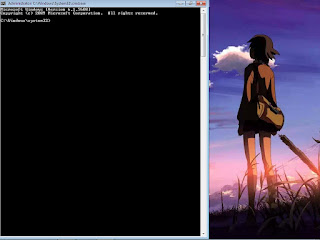
Step-1 Insert Window 7 Setup DVD. Step-2 Press Boot Key (Like F7,F8,F9,F10,F12). Step-3 Select DVD Drive. Step-4 Press Any Key To Boot From DVD..... (Press Any Key). Step-5 Click Next. Step-6 Click Repair. Step-7 Click Load Drive. Step-8 Click on My computer. Step-9 Click on ( Which Partition In Windows File "like C:,E:" ). Step-10 Open Windows Folder. Step-11 Open System32 Folder. Step-12 Search "Sethc" and "Rename File" (Name manan). Step-13 Search "cmd" and "Rename File" (Name Sethc). Step-14 Click ok. Step-15 All Programs Are Closed. Step-16 Restart Your P.C. Step-17 Show Locked Screen. Step-18 Press 5 Time "Shift". Step-19 Write net user username * ( like net user manan *). Step-20 Write New Password.



Comments
Post a Comment